Technology

Understanding Wireless Charging Basics
SFI Group
Understanding Wireless Charging Basics

Wireless charging needs compatible devices

Wireless charging transfers power between coils in the charger and the device. Both need to support the same charging standard; a magnetic ring or case alone does not add wireless charging capability.

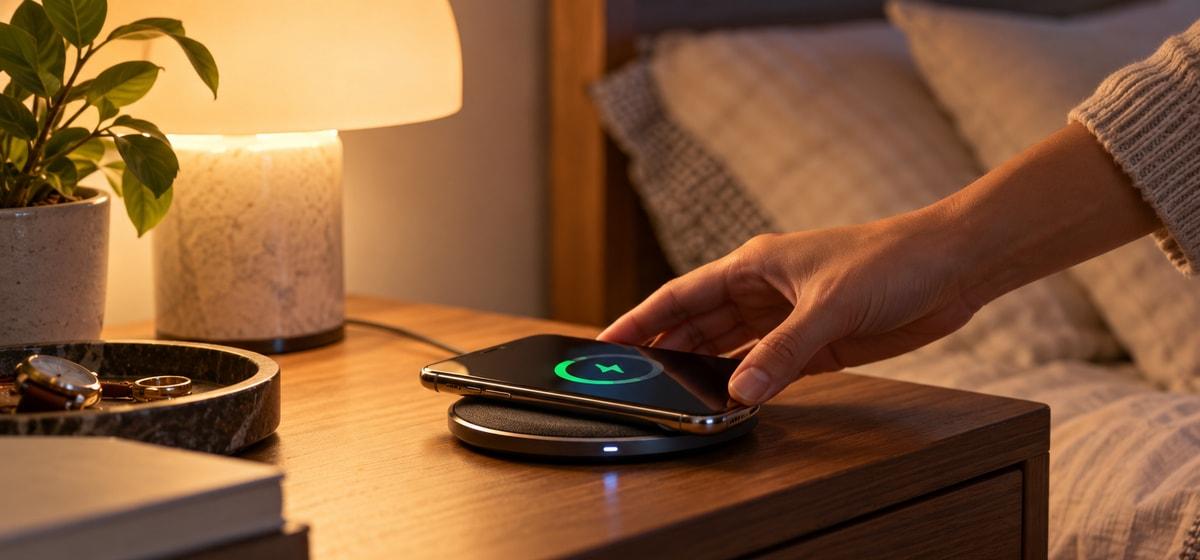
A phone placed on a wireless charging pad

A few practical steps

Recommendations for You

Micropack Charging Cable USB-A to Micro & Lightning 2-in-1 Combo 1.8 Meter MFI Fast Charging Kabel Charger - I-201 - SFI Group

Rp206.100

Rp229.000

Micropack Wired Mouse Optical Black - M101 - SFI Group

Rp89.100

Rp99.000

IFROGZ CABLE USB A - C UNIQUE SYNC 1M BLACK (IFUSAR-BK1)

Rp216.000

Rp240.000

Micropack Cable USB-A to Micro & Lightning Cable 2-in-1 Combo - Kabel 1,8 Meter - I-218 - SFI Group

Rp224.100

Rp249.000

  1. Place the phone near the center of the pad so the charging coils can align.

  2. Remove metal objects, cards, or thick cases that may interfere with charging.

  3. Use the adapter recommended for the charger and keep the charging surface uncovered.

Check the charging indicator

Confirm that the device shows it is charging before leaving it on the pad. If it becomes unusually hot or charging pauses repeatedly, reposition it and check the charger guidance.

SFI Group

Discover More Article

View More